

- iPhone
- iPad
- Mac
Lifestyle
Prayer Ledger
Share a prayer publicly and anonymously, lift someone else up, and see the care moving both ways.
$0.00
Available on iPhone, iPad, Mac
A closer look
See more of Prayer Ledger.
About Prayer Ledger
Share a prayer. Lift someone up.
Prayer Ledger is a private place to write, record, and remember your prayers. Capture prayers in text or voice, keep track of what has been on your heart, and look back on answered moments with care. The app is designed to feel calm, personal, and encouraging across iPhone, iPad, and Mac. Inside Prayer Ledger you can:
optional transcription
Timeline and Insights
sync when available
- Write or record prayers in a clean journal flow
- Attach voice prayers and
- Mark prayers as answered or still praying
- Review your journey over time in
- Follow reading plans and keep simple notes
- Keep everything local-first, with iCloud
- Use optional support purchases that unlock nothing and simply support the app
Prayer Ledger is not built around pressure or performance. It is a gentle place to keep praying, remember what God has done, and stay rooted in the Word.
What it helps you do
Clear outcomes.
- 1
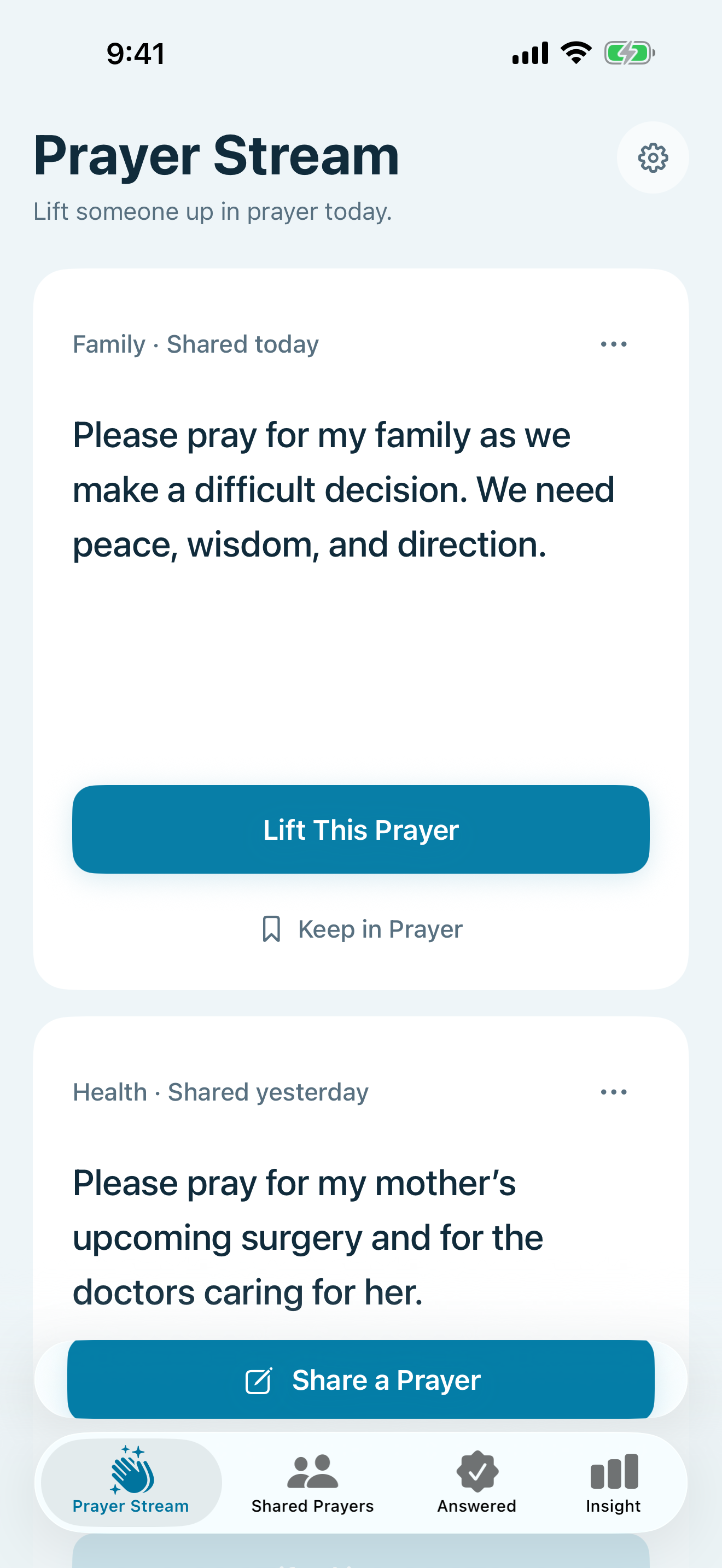
Prayer Stream opens first with one shared prayer at a time
- 2
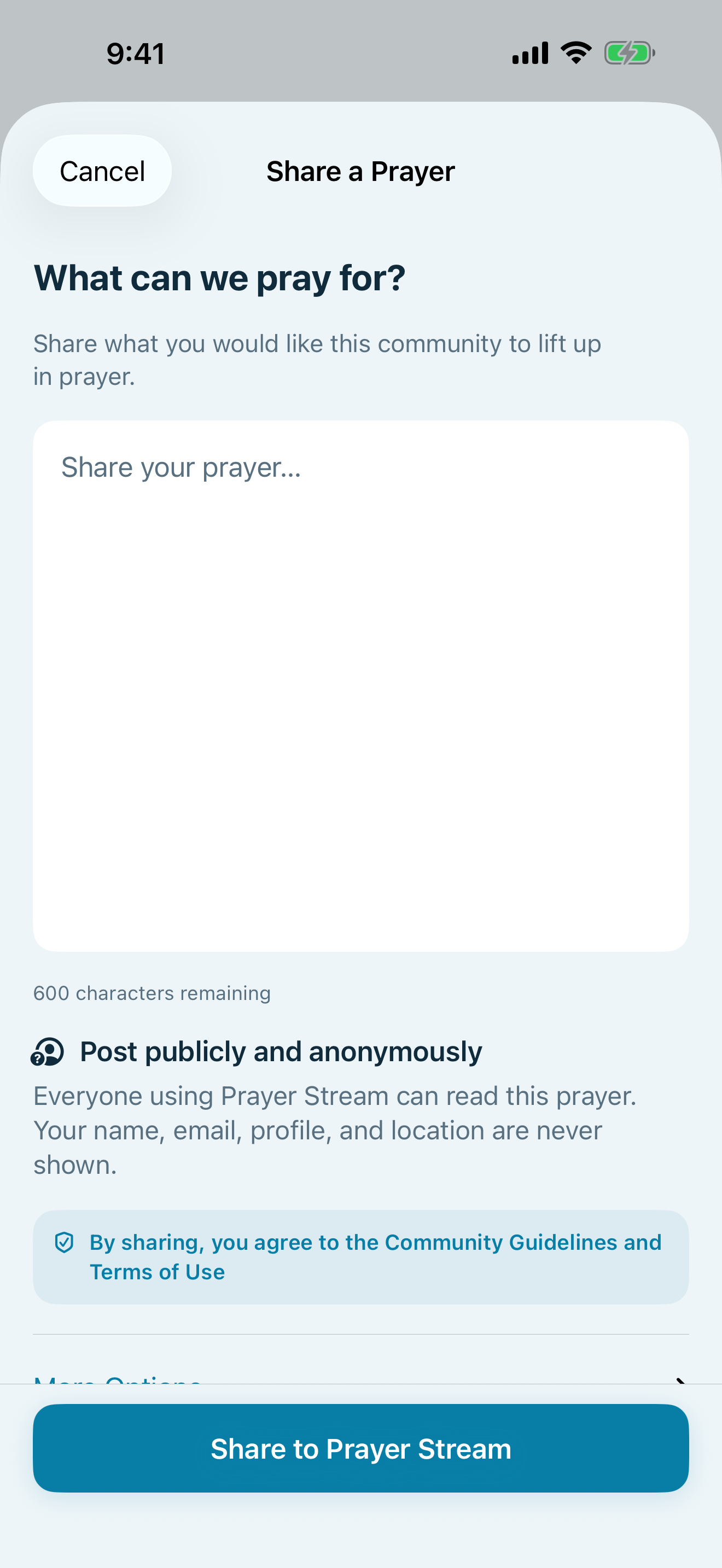
Anonymous sharing with clear reminders that shared text is public
- 3
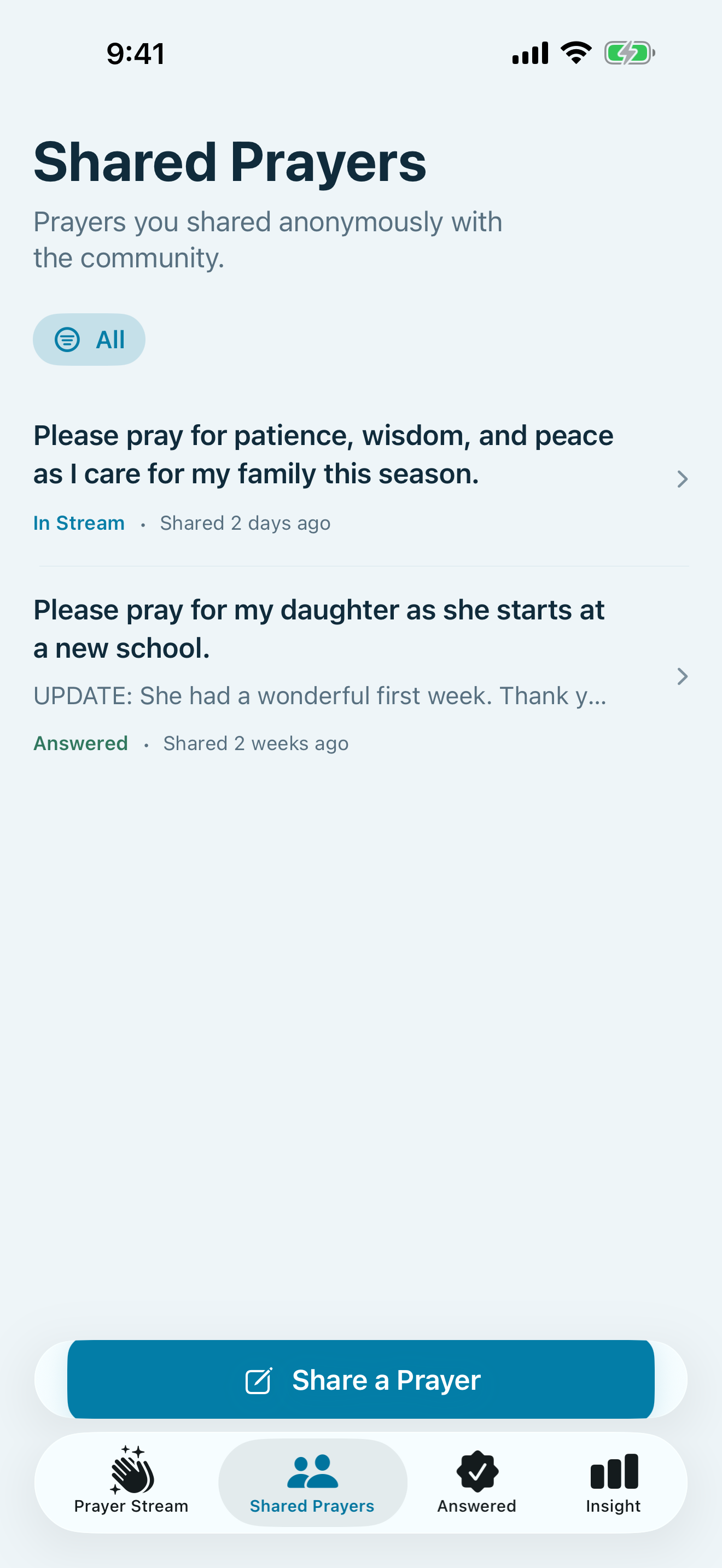
Private and shared prayers together in My Prayers
How it works
A focused workflow.
- Open Prayer Stream and pause with someone’s prayer.
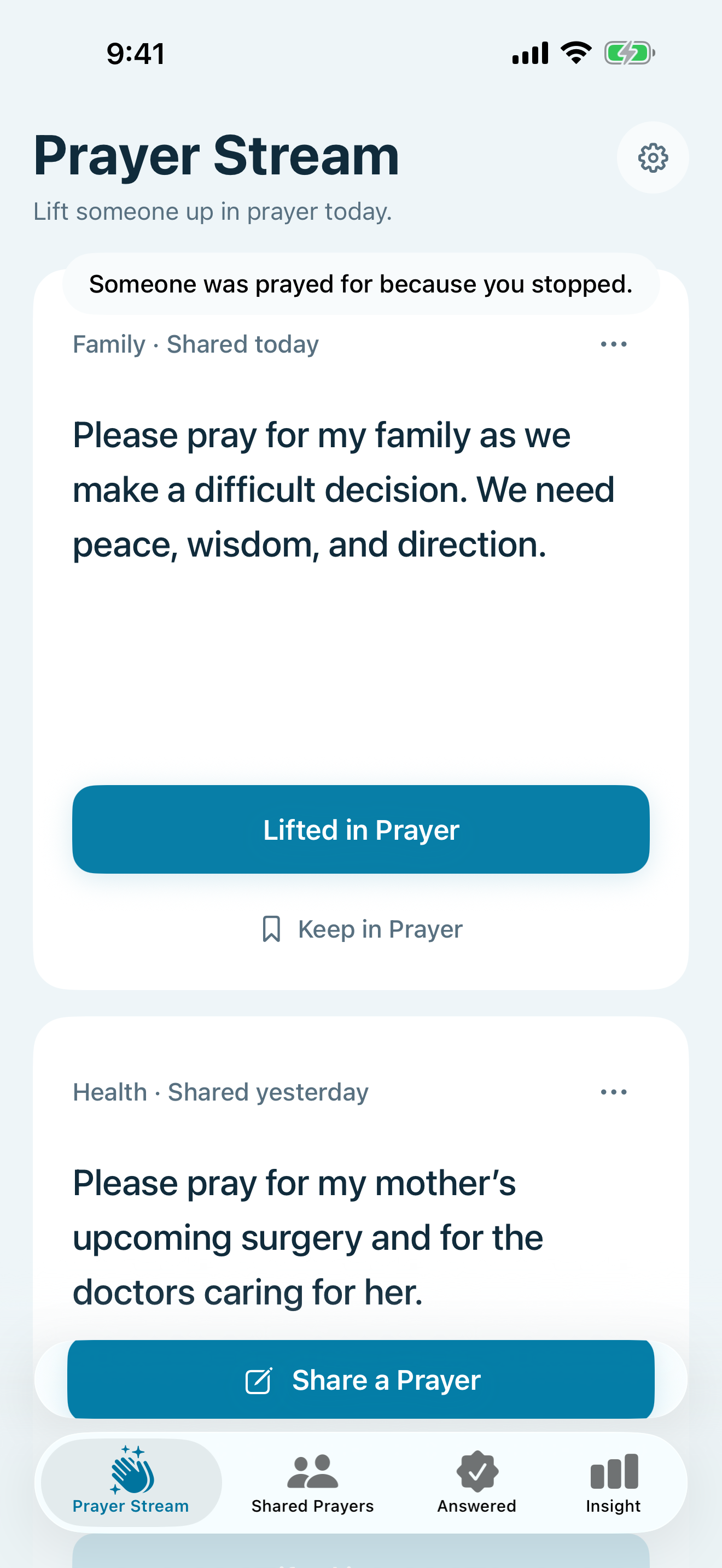
- Lift it once, share anonymously, or keep your own prayer private.
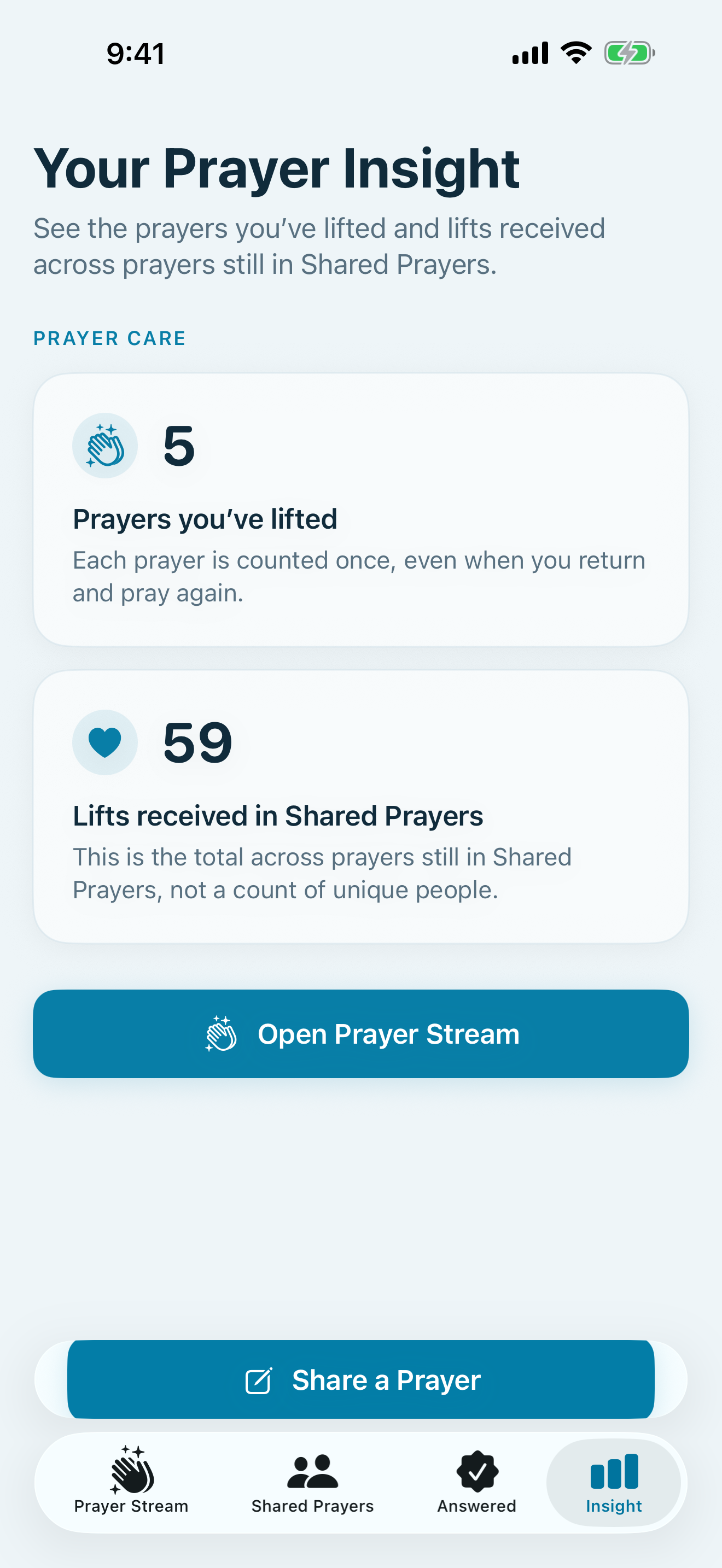
- Use My Prayers and Insight to manage prayers and see private totals.
Feature details
Built around the essentials.
- Open straight to Prayer Stream and focus on one shared prayer at a time
- Lift prayers for others without profiles, comments, or popularity scores
- Share anonymously or keep a prayer private in My Prayers
- Privately see prayers lifted and lifts received in Insight
Privacy at a glance
Plain language, app by app.
Prayer text you choose to share is public in Prayer Ledger, but the app does not display your name, email, Apple ID, profile, or location with it. Your private journal remains private. CloudKit associates records with an opaque iCloud identifier. The app has no ads, third-party analytics, or cross-app tracking.
Pricing
$0.00
See the App Store listing for current availability in your region.
What’s new
Version 3
Updated May 20, 2026
Version 4.0 makes Prayer Stream the heart of Prayer Ledger, brings shared and private prayers together in My Prayers, and simplifies Insight to the care moving both ways.
FAQ
Common questions
Why are sharing, lifting, reporting, or Insight unavailable?
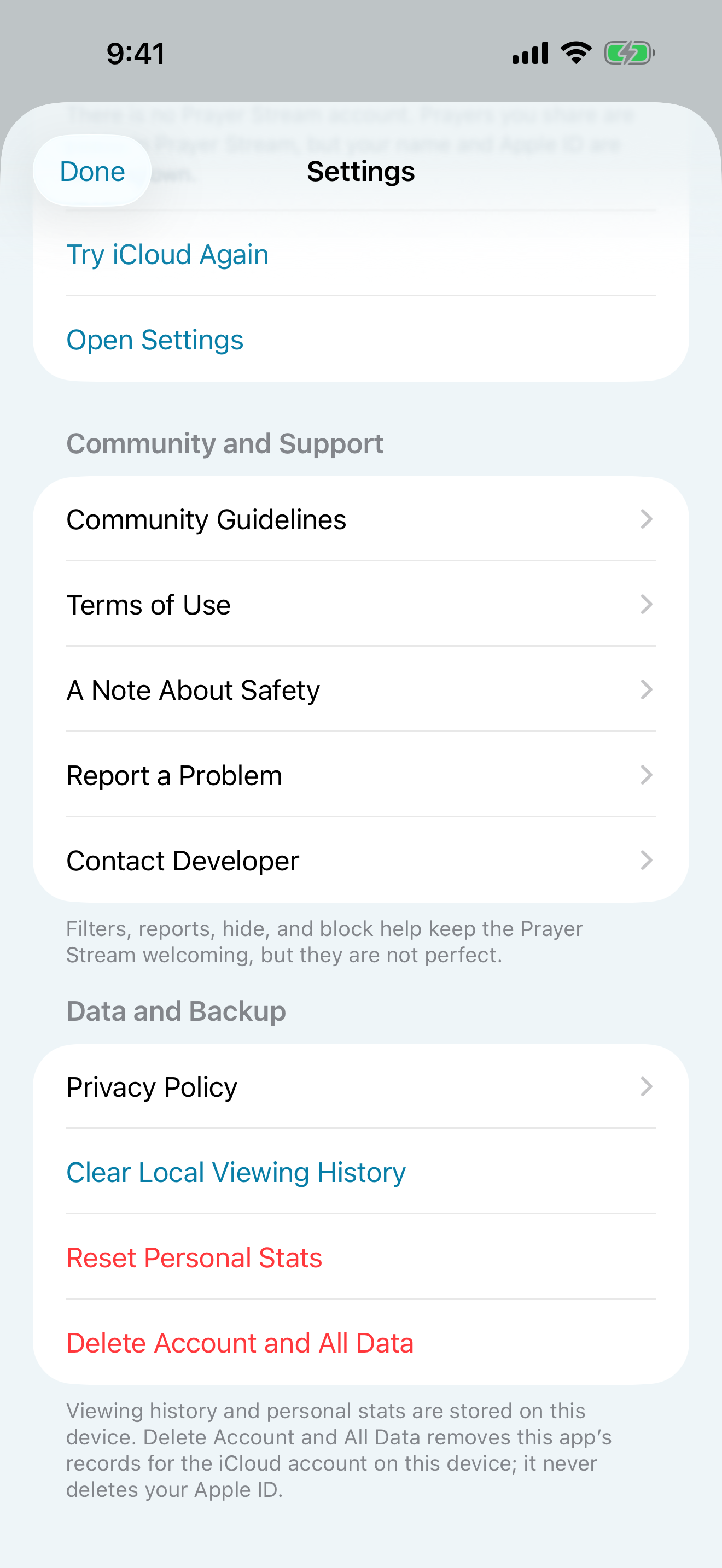
Prayer Ledger uses the iCloud account already signed in on the device for community features and has no separate Prayer Stream login. Confirm the device is signed in to iCloud with a working connection, then open Settings and choose Try iCloud Again.
Why did a prayer disappear from my Stream?
Its creator may have closed or deleted it, or you may have hidden it or blocked its anonymous poster. Pull down to refresh after a temporary network problem. Cached prayers can remain briefly while CloudKit reconnects.
How do I report, hide, block, or delete content?
Use the three-dot More menu on a prayer to report it, hide it on your device, or block its anonymous poster. Manage hidden prayers and blocked posters in Settings → Prayer Stream. Delete a prayer you created from My Prayers. Remove Prayer Ledger data associated with the current account from Settings → Data and Backup.
Is Prayer Ledger an emergency, medical, crisis, or counseling service?
No. Prayer Ledger includes public prayer sharing but does not monitor prayers or provide emergency, medical, crisis, or professional counseling help. If you or someone else may be in immediate danger, contact local emergency services or a qualified crisis resource instead of relying on the app.
Related apps
Keep exploring.

Support and privacy